
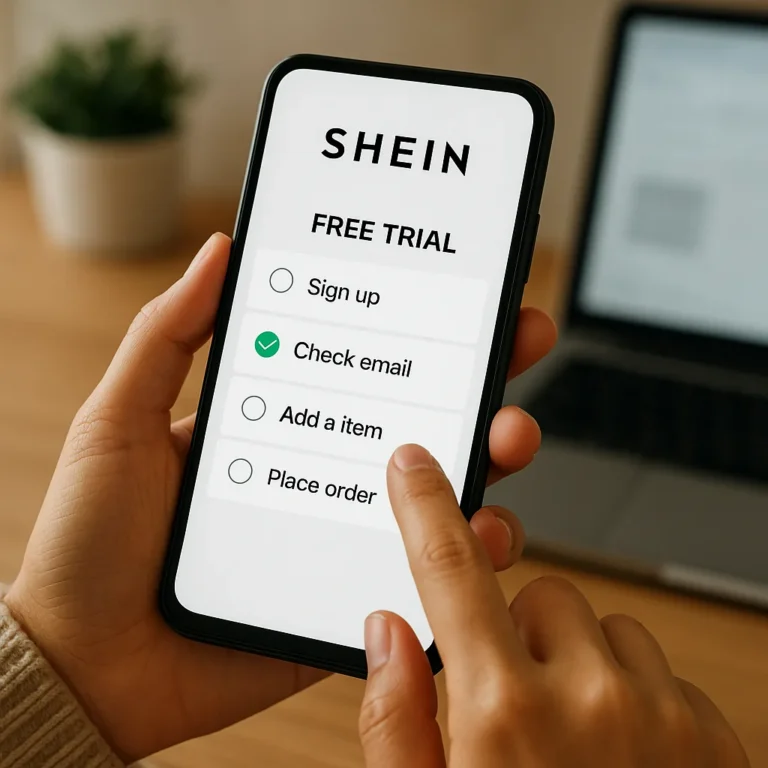
Using a phone to explore the SHEIN Free Trial Center can simplify routine tasks, yet a small screen can hide deadlines, instructions, or account warnings. A deliberate workflow helps you find the current information, record what matters, and prepare honest feedback without treating participation as guaranteed.
This guide is educational, not an official SHEIN announcement, eligibility check, or promise of selection. Work through a verified SHEIN channel, read the instructions attached to your own account, and keep private details private. Menus, limits, product availability, and deadlines can change, so confirm each important point before acting.
Begin With a Secure Mobile Session
Start with the verified SHEIN application or website, and use a connection you trust before signing in. Check the app publisher or web address, watch for unfamiliar redirects, and avoid entering credentials after following an unexpected message. An independent guide should never request your password or security code.
Remember that the article publisher is not SHEIN and cannot see your account, confirm eligibility, or influence a decision. Its role is to organize general information for shoppers who want to understand the process. If an offer demands payment, unusual identity documents, or immediate action, pause and verify it through an official channel.
Keep Personal Information Private
Enter account details only in the official interface, and decline requests for payment or identity information that the program does not clearly require. Do not send login codes, screenshots, or private messages to strangers offering assistance. Guaranteed selection claims are warning signs, not evidence that a page has access.
Locate the Relevant Program Area
Mobile menus change often, so look through the current account, promotional, or help areas instead of trusting an old screenshot. Use the platform’s own search and navigation tools when available, and treat a missing label as inconclusive. A different menu does not by itself prove that you are ineligible.
Learn to recognize the elements of an official explanation rather than memorize one set of taps. Depending on the current design, useful signs may include a program description, a product list, an application control, and instructions for any later review. Read surrounding notices before choosing anything.
Create a Simple Application Record
Keep a private application record with the date, product description, and any current limit displayed by the program. Published U.S. guidance has described a maximum of three applications weekly, but that figure may change and should be checked in the current account. Record the source and date of your note.
Make the record useful without collecting unnecessary sensitive data. A simple table can list the item name, application date, displayed status, and next action. Its purpose is to prevent confusion when several products or dates are involved; it does not improve selection odds, create priority, or show that a product will arrive.
Save Review Instructions Promptly
If you are selected, note the required review path and deadline as soon as the item arrives. Published U.S. guidance has described ten days after receipt, but your current account instruction remains the authority. Check whether the clock begins at delivery, confirmation, or another event before setting a reminder.
Use permitted notes, reminders, or calendar tools to organize the task, but do not copy private account content into public spaces. Never send account screenshots to strangers for troubleshooting. A reminder supports preparation; it cannot extend a deadline, guarantee acceptance, or replace the exact instructions shown in your account.
Use Reminders Without Pressure
A reminder should create structure, not artificial urgency. Leave enough time to inspect the item and write accurate observations about fit, fabric, color, comfort, and construction. If the product needs testing in a particular setting, make that context clear in your notes. Honest preparation matters more than speed.
Write Feedback From Mobile Notes
Draft short observations in a notes application before opening the official review form. This pause can help you organize details, check wording, and separate what you observed from what you assumed. Keep the final submission within the account’s current instructions, even if your draft contains extra reminders for yourself.
Write feedback that is genuine, specific, and useful rather than automatically positive. You can describe favorable or unfavorable experiences without misleading other shoppers. Consider sizing, fabric, color, comfort, construction, and how you used the item. Avoid copied language, unsupported claims, or a scripted endorsement that does not reflect your experience.
End With a Verified Destination
Before following any final invitation, confirm that the destination belongs to SHEIN and explains participation clearly. When ready, explore the verified SHEIN website for its detailed participation explanation before using any application control. Keep the page fast, legible, and easy to scan on a small screen.
For an external destination, use only a verified SHEIN website or official program page after checking the address yourself. Do not print an unconfirmed URL, follow a suspicious redirect, or imply that this independent guide is connected to the company. If the destination looks different from expected, stop and verify before signing in.
Use this mobile checklist before you finish: verify the channel, locate the current program area, note application details, save the review deadline, and prepare truthful feedback. Participation, selection, product availability, and timing remain uncertain. Follow the official account instructions, protect your information, and choose a pace that allows careful reading.